Best Crypto Trading Simulator Apps: A Beginner's Guide
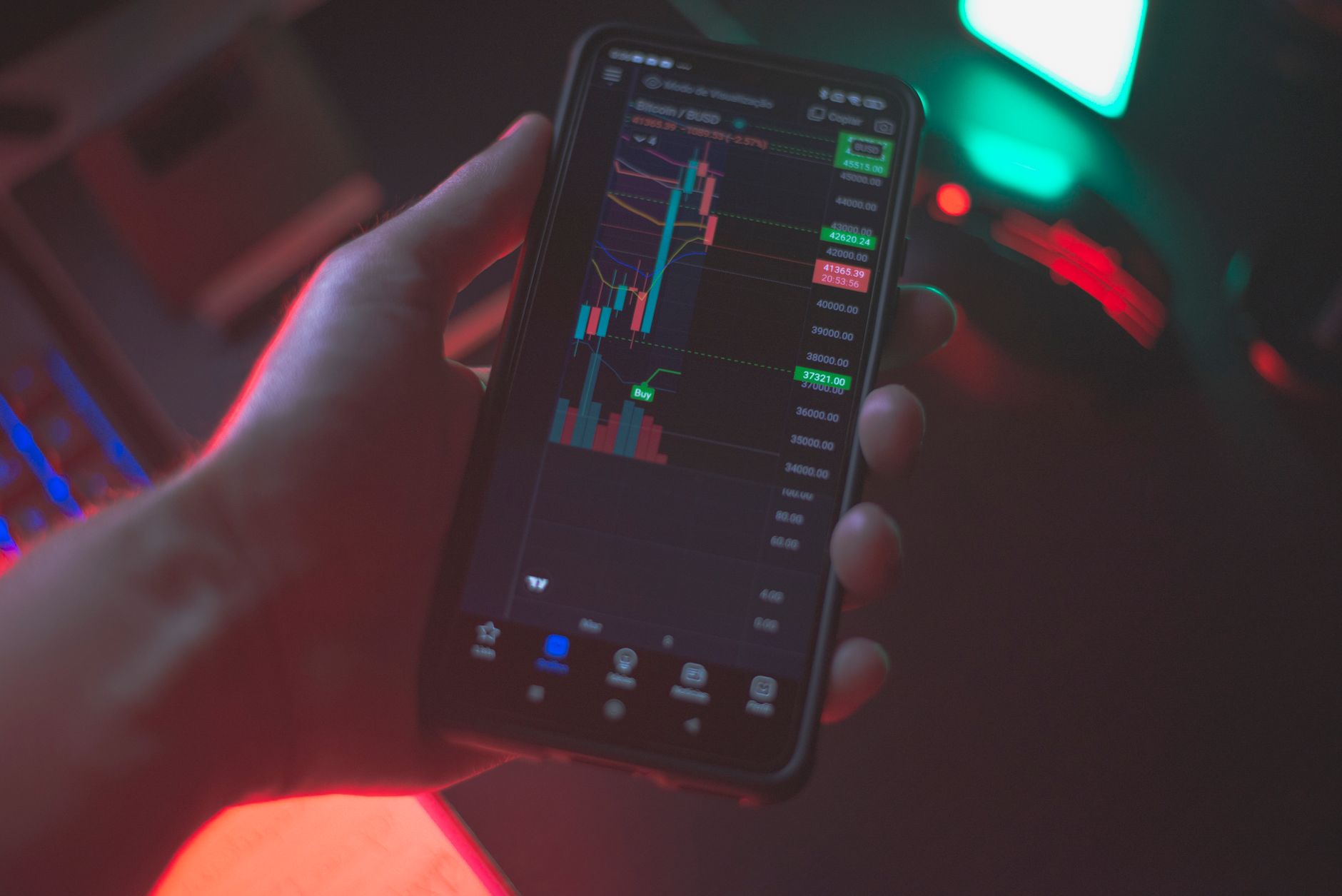
Mastering Crypto Without Risk: Top Trading Simulator Apps for Beginners

Navigating the volatile world of cryptocurrency can be daunting for newcomers. Before committing real capital, a crypto trading simulator app offers an invaluable sandbox to learn, strategize, and build confidence. These platforms replicate live market conditions, allowing users to practice trading with virtual funds. This guide compares the leading options, focusing on features, realism, and educational benefits crucial for beginners.
Why Use a Crypto Trading Simulator?
Crypto simulators provide a safe environment to:
- Understand Market Dynamics: Experience price fluctuations, order book movements, and market sentiment without financial exposure.
- Test Strategies: Experiment with different trading approaches (e.g., day trading, swing trading, HODLing) and evaluate their effectiveness.
- Learn Platform Interfaces: Familiarize yourself with order types, charting tools, and portfolio management on various exchange-like interfaces.
- Build Emotional Discipline: Practice managing fear and greed, crucial psychological aspects of successful trading.
Top Crypto Trading Simulator Apps for Beginners
Here’s a breakdown of the best apps, highlighting their strengths:
1. Cryptohopper (Paper Trading)
- Features: Cryptohopper is primarily an automated trading bot platform, but its “Paper Trading” feature is a robust simulator. It offers advanced charting, multiple order types (market, limit, stop-limit), and the ability to backtest strategies.
- Realism: Highly realistic, mirroring live exchange data and order book depth. Users can connect to various exchanges virtually.
- Educational Value: Excellent for those interested in algorithmic trading and understanding how bots execute strategies. Its comprehensive interface can be a bit overwhelming for absolute beginners but offers deep learning for those who persist.
2. eToro (Virtual Portfolio)
- Features: eToro’s “Virtual Portfolio” mode provides $100,000 in virtual funds. It allows trading of cryptocurrencies, stocks, and other assets. Key features include social trading (copying other traders) and a user-friendly interface.
- Realism: Good, with real-time price data. The social trading aspect adds a unique layer of realism by showing how others are performing.
- Educational Value: High, especially for understanding portfolio diversification and social trading. The intuitive design makes it very accessible for complete novices.
3. Binance (Simulated Trading)
- Features: While not a standalone app, Binance, the world’s largest crypto exchange, offers a “Simulated Trading” environment within its platform. This allows users to practice with virtual funds on a replica of their actual trading interface.
- Realism: Extremely high, as it uses the exact same interface and market data as live trading on Binance.
- Educational Value: Ideal for those planning to use Binance for real trading. It helps users become proficient with Binance’s specific order types, charting tools, and wallet management before risking real money.
4. TradingView (Paper Trading)
- Features: TradingView is renowned for its advanced charting tools and technical analysis capabilities. Its “Paper Trading” feature allows users to execute virtual trades directly from the charts.
- Realism: Excellent, with real-time data and a highly customizable charting experience.
- Educational Value: Unparalleled for learning technical analysis. Beginners can practice identifying patterns, using indicators, and executing trades based on their analysis, making it a powerful learning tool for strategy development.
Choosing the Right Simulator
For absolute beginners, eToro’s Virtual Portfolio offers the most user-friendly entry point. If you plan to trade on Binance, their simulated environment is a must-try. For those serious about technical analysis and strategy development, TradingView’s Paper Trading is invaluable. Cryptohopper suits users interested in automated strategies.
Ultimately, the best simulator is one you’ll consistently use to refine your skills and build a solid foundation before entering the live crypto markets.
Pair Your Simulator With ChartScope
A simulator teaches you to place trades — ChartScope teaches you to read the charts behind them. While the apps above replicate order execution, ChartScope analyzes any chart you are practicing on and explains the RSI, MACD, and candlestick patterns in plain language, with no trading signals and no real-money risk. Used together, a paper-trading app plus ChartScope’s AI chart analysis is the fastest way to turn simulated trades into real understanding — get the app and analyze your first chart for free.
FAQ
Q1: Are crypto trading simulators truly realistic?
A1: Yes, most reputable simulators use real-time market data, mirroring live price movements and order book dynamics, providing a highly realistic trading experience.
Q2: Can I lose real money using a crypto trading simulator?
A2: No, crypto trading simulators use virtual funds exclusively. You cannot lose or gain real money while practicing on these platforms.
Q3: How long should a beginner use a simulator before trading with real money?
A3: The duration varies, but it’s recommended to use a simulator until you consistently demonstrate profitability with your chosen strategies and feel comfortable navigating the platform and market conditions, typically several weeks to a few months.