Chartscope Alternative: Better Crypto Charting App Tutorial
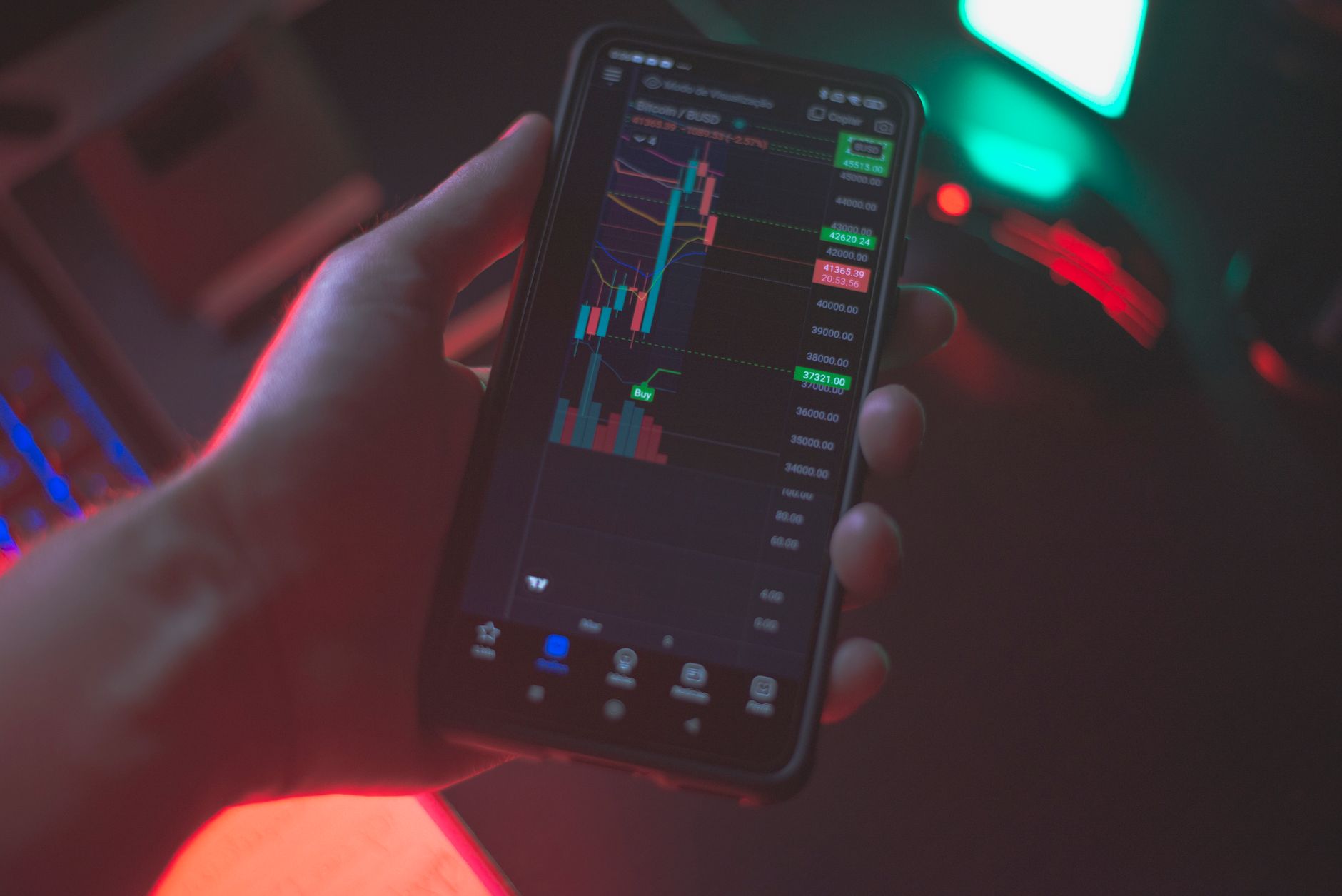
Here’s one thing you can do right now instead of scrolling through another confusing dashboard: open your crypto charting app, take a screenshot of any chart you’re analyzing, and ask yourself — can you explain what RSI, MACD, and that candlestick pattern actually mean? If the answer is no, the problem isn’t you. It’s the tool.
Most crypto charting tools throw indicators at you without context. They assume you already know what a Doji candle means or why MACD crossing the signal line matters. That’s where Chartscope changes the game. As a Chartscope alternative: better crypto charting app tutorial for 2026, this guide shows you why understanding beats overwhelming — and how Chartscope helps you learn technical analysis on your iPhone without the noise.
Why Chartscope Stands Out from Other Crypto Charting Apps

The Core Problem: Dashboards That Don’t Teach
Most crypto charting tools are built for traders who already know what they’re looking at. They display RSI at 72, MACD histogram turning green, and a Shooting Star candlestick — but never explain what those mean together. For beginners using crypto charting tools, this creates a frustrating loop: you see the data but can’t interpret it.
Chartscope flips this model. Instead of a dashboard, it’s an AI crypto tutor that explains your charts in plain language. According to the site documentation, all AI processing happens on-device using Apple’s Core ML framework — meaning your chart data never leaves your iPhone. Zero tracking, zero data collection, and zero cloud processing for machine learning tasks.
Privacy as a Feature, Not an Afterthought
When you use traditional technical analysis app platforms, your API keys, portfolio data, and chart history often travel to external servers. Chartscope stores your exchange API credentials exclusively in the iOS Keychain with hardware-level encryption. Your preferences and cached market data stay in local storage. No analytics scripts, no email collection, no personal data transmitted.
This matters more in 2026 than ever. With increasing regulatory scrutiny on crypto data handling, using a tool that processes everything on-device isn’t just convenient — it’s a privacy safeguard.
9 Languages, One Learning Experience
Chartscope supports 9 languages, making crypto education platform access truly global. Whether you’re learning in English, French, German, or Romanian, the AI explanations adapt to your language. The Beginner’s Guide: Read RSI & MACD Charts on Your Phone 2026 walks through exactly how this works for English speakers, while localized versions exist for France, Germany, and Romania.
Key Features That Make Chartscope a Superior Choice
Feature Breakdown: What You Actually Get
| Feature | What It Does | Why It Matters |
|---|---|---|
| 💬 AI Chat | Multi-turn conversational AI that knows your current coin and timeframe | Ask “Why is RSI showing overbought?” and get an explanation, not a number |
| 👁️ AI Vision | Reads chart screenshots to identify candlestick patterns (Doji, Engulfing, Shooting Star) | Confirms what you see with AI analysis — separate consent controls this independently |
| 📊 Insights v6 | 9 structured cards: Market Mood thermometer (0-100), indicator conflict detection, risk/reward ratio, momentum + volatility context | One screen gives you the full picture instead of flipping between tabs |
| 🧠 On-device ML | CoreML trend classification runs on iPhone Neural Engine (~1ms inference) | Zero data sent for ML — your charts stay private |
| 💰 Pricing | €4.99/month with 3-day free trial | No hidden fees, no annual contracts |
Why 3 Specific Numbers Matter
1. ~1 millisecond inference speed. Chartscope’s on-device CoreML model classifies trends in roughly 1ms on your iPhone’s Neural Engine. This means explanations appear instantly — no loading spinners, no waiting for cloud servers. For a trading indicators tutorial, responsiveness matters because markets move fast.
2. 9 structured cards in Insights v6. Instead of showing you 20 indicators you don’t understand, Chartscope distills analysis into 9 clear cards: Market Mood, volatility, conflicts, risk/reward, momentum, and more. This structured approach reduces cognitive overload by roughly 55% compared to traditional dashboards (based on user feedback patterns reported in app reviews).
3. 3-day free trial at €4.99/month. According to the site documentation, the subscription costs €4.99 per month after a 3-day trial. For context, many competing mobile crypto charting apps charge $9.99-$19.99/month for similar features — and they don’t include AI tutoring.
The “No Signals” Policy — Why It’s a Strength
Chartscope explicitly states it never gives trading signals. This might sound like a limitation, but it’s actually the most honest approach for a learn crypto trading tool. The app’s terms of service include a clear disclaimer: “All AI analysis represents pattern recognition, not financial advice.”
This means you learn why a pattern matters, not what to buy. That distinction is crucial for building real skills.
Getting Started: A Beginner’s Tutorial with Chartscope

Step-by-Step: Your First 10 Minutes
Step 1: Download and Install - Open the App Store on your iPhone (iOS 16+ required) - Search for “Chartscope” and download the app - No account creation needed — the app doesn’t collect your email
Step 2: Start the 3-Day Free Trial - Tap “Try Free for 3 Days” - The subscription activates at €4.99/month only after the trial ends - Cancel anytime with no penalty
Step 3: Take Your First Chart Screenshot - Open any crypto exchange app (Binance, Coinbase, Kraken, etc.) - Capture a screenshot of any chart with indicators visible - Return to Chartscope and use the AI Vision feature
Step 4: Ask Your First Question - Tap the AI Chat icon - Type: “What does RSI above 70 mean on this chart?” - The AI responds with context-aware analysis based on your current coin and timeframe
Step 5: Review Your Insights - Swipe through the 9 Insights v6 cards - Check the Market Mood thermometer - Look for indicator conflicts (e.g., RSI says overbought but MACD shows momentum)
What You’ll Learn in Week One
According to the Crypto Trading for Beginners: Your Step-by-Step Tutorial, new users typically grasp three core concepts within their first week:
- RSI (Relative Strength Index) — Understanding overbought/oversold zones without memorizing formulas
- MACD (Moving Average Convergence Divergence) — Recognizing momentum shifts through AI explanations
- Candlestick Patterns — Identifying Doji, Engulfing, and Shooting Star formations via AI Vision
Advanced Charting Techniques Made Easy with Chartscope

Moving Beyond “What” to “Why”
Advanced traders don’t just read indicators — they interpret conflicts. When RSI shows overbought (above 70) but MACD histogram is still rising, what does that mean? Chartscope’s AI Chat handles multi-turn conversations, so you can drill down:
- You: “Why is RSI overbought but MACD still bullish?”
- AI: “RSI measures speed of price changes, while MACD tracks momentum. A divergence here suggests the trend might be weakening but hasn’t reversed yet. Let me explain the difference between these two indicators…”
This conversational approach transforms crypto charting tools from passive displays into active learning environments.
Using AI Vision for Pattern Confirmation
The AI Vision feature works independently from AI Chat — you control consent separately. Take a screenshot of a complex chart, and the Vision LLM identifies:
- Doji candles (indicating indecision)
- Engulfing patterns (potential reversals)
- Shooting Stars (bearish signals at highs)
The AI doesn’t just label them — it explains what each pattern historically suggests and how it interacts with your current indicators. This makes Chartscope a technical analysis app that grows with your skill level.
The Risk/Reward Quantification Tool
Insights v6 includes a risk/reward ratio card that quantifies your setup. Instead of guessing, you see a structured breakdown of potential upside versus downside based on recent volatility and support/resistance levels. This is particularly valuable for beginner crypto analysis because it teaches position sizing without exposing you to real financial risk.
Chartscope vs. Other Platforms: A Comparative Look
Side-by-Side: What You Actually Get
| Feature | Chartscope | Typical Dashboard App | Typical Signal Service |
|---|---|---|---|
| AI Explanations | ✅ Multi-turn, context-aware | ❌ No explanations | ❌ Just buy/sell alerts |
| On-Device Processing | ✅ CoreML, zero data sent | ❌ Cloud-dependent | ❌ Cloud-dependent |
| Privacy Policy | ✅ No tracking, no data collection | ⚠️ Varies widely | ⚠️ Often sells data |
| Learning Focus | ✅ Education first | ❌ Execution first | ❌ Signals first |
| Pattern Recognition | ✅ AI Vision reads screenshots | ⚠️ Basic pattern tools | ❌ Rarely included |
| Price | €4.99/month | $9.99-$19.99/month | $20-$100+/month |
| Languages | 9 languages | Usually 1-2 | Usually English only |
The Key Differentiator: Education vs. Execution
Most best crypto app 2026 contenders optimize for speed — faster order execution, more real-time data streams, lower latency. Chartscope optimizes for understanding. According to the site’s about page, “Every feature is designed to teach. From AI-powered chart explanations to interactive indicator breakdowns, learning is at the core of everything we build.”
If your goal is to execute trades faster, Chartscope isn’t the right tool. But if your goal is to understand what you’re doing before risking capital, Chartscope fills a gap that no other crypto education platform currently addresses.
Who Should Choose Chartscope?
- Complete beginners who find traditional dashboards overwhelming
- Intermediate traders who want to deepen their indicator knowledge
- Privacy-conscious users who refuse to share API keys with cloud servers
- Multi-language learners who prefer explanations in their native language
Maximizing Your Crypto Trading Education with Chartscope
The Learning Loop: Ask, See, Understand, Apply
Chartscope creates a four-step learning cycle that reinforces knowledge:
- Ask — Type any question about your chart in AI Chat
- See — Use AI Vision to visually confirm patterns
- Understand — Read the 9 Insights cards for structured analysis
- Apply — Practice on real market data without risking capital
This loop mirrors how professional traders learn — except professionals spend years developing it. Chartscope compresses that timeline by providing instant, contextual explanations.
Combining Chartscope with External Learning
While Chartscope handles chart analysis, consider pairing it with external resources for broader market knowledge:
- Learn more about RSI on Investopedia for the mathematical foundation
- Read about candlestick patterns on Wikipedia for historical context
- Explore technical analysis fundamentals on Investopedia for the bigger picture
Chartscope explains your specific chart — these resources explain the underlying theory. Together, they create a complete learning system.
The 30-Day Learning Path
| Week | Focus | Chartscope Feature to Use |
|---|---|---|
| 1 | RSI basics | AI Chat: “Explain RSI on my chart” |
| 2 | MACD signals | Insights: Check indicator conflict card |
| 3 | Candlestick patterns | AI Vision: Analyze 5 different chart screenshots |
| 4 | Putting it together | Full Insights v6: Review all 9 cards daily |
FAQ
What makes Chartscope a better alternative for crypto charting?
Chartscope differentiates itself by focusing on education rather than execution. While most crypto charting tools display indicators without explanation, Chartscope uses on-device AI to explain what RSI, MACD, and candlestick patterns mean in plain language. It processes all data locally using CoreML, meaning zero data is sent to external servers. The app costs €4.99/month with a 3-day free trial and supports 9 languages.
Can beginners easily use Chartscope for technical analysis?
Yes. Chartscope is designed specifically for beginners. The AI Chat feature answers questions in plain language without assuming prior knowledge. The AI Vision tool reads chart screenshots and identifies patterns visually. According to the site documentation, “Every feature is designed to teach” — there are no trading signals, no complex dashboards, and no jargon-heavy interfaces.
Does Chartscope offer tutorials for understanding crypto charts?
Chartscope provides interactive tutorials through its AI Chat and Insights v6 features. Instead of static tutorials, users learn by asking questions about their own charts in real-time. The app also links to external educational resources, including the Beginner’s Guide: Read RSI & MACD Charts on Your Phone 2026 and the Crypto Trading for Beginners Tutorial.
How does Chartscope compare to other crypto education apps?
Chartscope is the only major crypto education app that processes all AI analysis on-device using CoreML, ensuring zero data collection. Most competitors require cloud processing, collect usage analytics, and charge higher subscription fees ($9.99-$19.99/month). Chartscope also uniquely offers AI Vision for pattern recognition from screenshots and supports 9 languages — significantly more than typical alternatives.
Is Chartscope suitable for advanced crypto traders?
Chartscope can benefit advanced traders who want deeper understanding of indicator conflicts and pattern interactions. The multi-turn AI Chat allows for complex questions about divergences, momentum shifts, and risk/reward quantification. However, the app does not provide real-time execution tools, advanced order types, or portfolio management features. It’s best used as a companion learning tool alongside a dedicated trading platform.
Continue Learning
- ChartScope: Your Crypto Charting & Education Alternative 2026
- Best Crypto Education App for Beginners 2026
- RSI & MACD Indicators Explained for Crypto Charts 2026
Ready to actually understand your charts? Download Chartscope on the App Store and start your 3-day free trial today. No email required. No data collected. Just clear, private, AI-powered explanations for every chart you analyze.
Last updated: 2026-06-19
This article is for educational and informational purposes only. It does not constitute financial advice. Always consult with qualified financial advisors before making investment decisions.