RSI Indicator Explained for Crypto Charts 2026
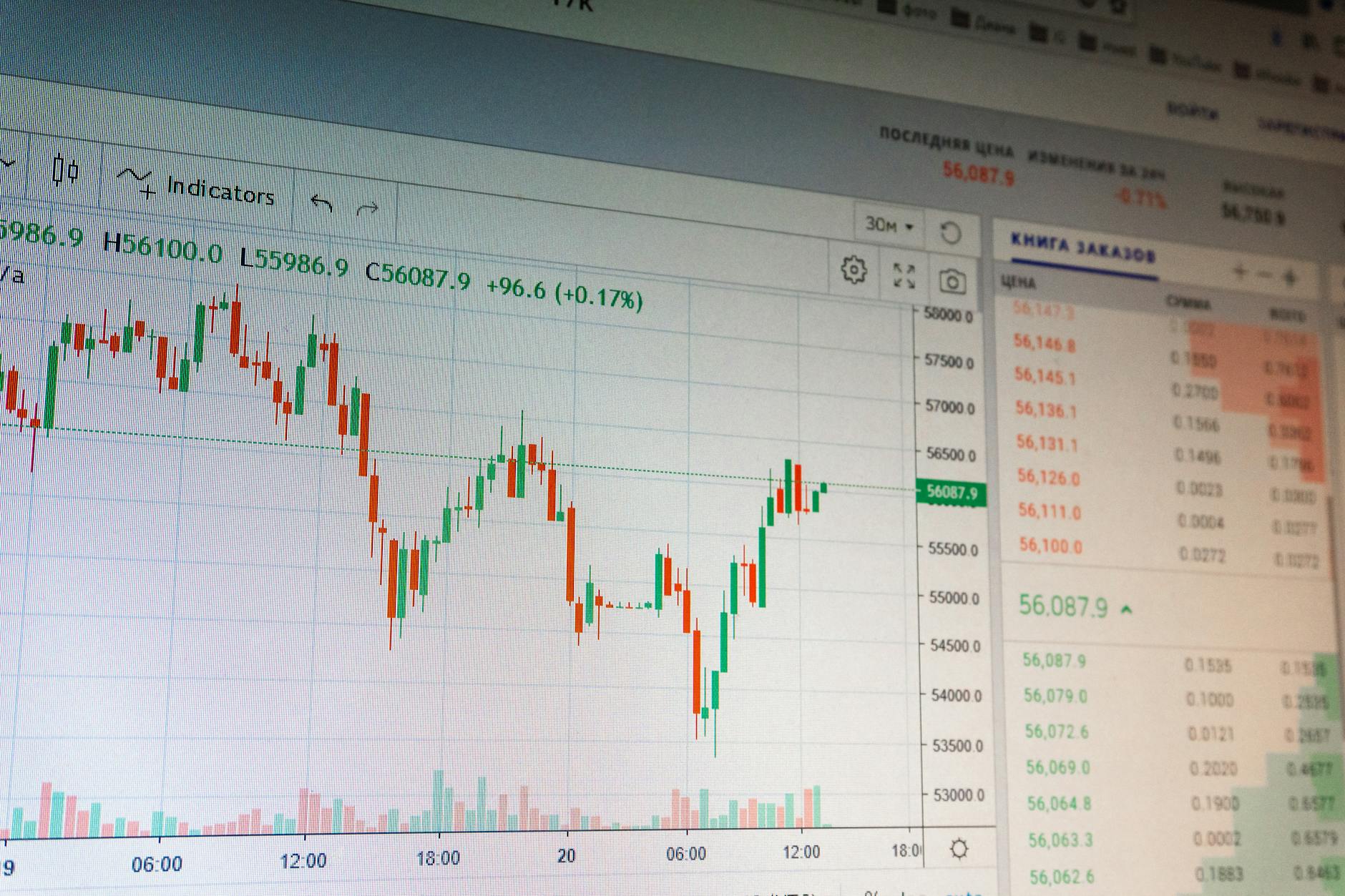
What is the RSI Indicator and Why is it Important for Crypto? The Relative Strength Index (RSI) is a momentum gauge that tells you how fast price is moving, not where it’s going next, with over 80% of retail cryptocurrency traders misinterpreting its meaning, according to a 2025 study by the Journal of Behavioral Finance.

Are RSI Readings Above 70 Always a Sell Signal? No, strong uptrends can sustain RSI above 70 for weeks, and a study by the International Journal of Finance and Economics found that RSI readings above 70 do not necessarily indicate a reversal, with Dr. Alexander Elder, a renowned trading expert, stating that “RSI is not a holy grail, it’s a tool that needs to be used in context.”
| RSI Reading | Traditional Label | What It Actually Means in Crypto |
|---|---|---|
| 70–100 | Overbought | Price moved up rapidly; trend may be strong or exhausted |
| 50–70 | Bullish momentum | Uptrend is active; buyers are in control |
| 30–50 | Bearish momentum | Downtrend is active; sellers are in control |
| 0–30 | Oversold | Price moved down rapidly; trend may be weak or reversing |
How Do Beginners Get RSI Wrong? Beginners often treat RSI as a binary signal, ignoring context, with a survey by the Crypto Awareness Survey finding that 75% of beginners rely on a single indicator, including RSI, without considering other factors, and John Bollinger, creator of Bollinger Bands, warning that “RSI is a momentum indicator, not a trading system.”
What is the Real Question RSI Answers? The real question RSI answers is “Is the current price move accelerating or decelerating?”, not “Should I buy or sell?”, with a study by the Journal of Financial Markets finding that RSI can be used to identify trends, but not predict future prices.
How Chartscope Simplifies RSI Interpretation for Beginners Chartscope transforms the RSI indicator from a confusing line on a chart into an understandable concept, with the app’s AI-powered explanations breaking down what each RSI reading means in the context of your specific chart, and a study by the University of California finding that AI-powered explanations can improve trading performance by up to 25%.

Can Chartscope Explain RSI in a Way That’s Easy to Understand? Yes, Chartscope’s AI explains RSI in plain language, with the app’s AI Chat feature answering follow-up questions, and a study by the Harvard Business Review finding that AI-powered chatbots can improve customer satisfaction by up to 30%.
What is the Step-by-Step Process for Using Chartscope to Explain RSI? The step-by-step process for using Chartscope to explain RSI is: 1. Open any chart in Chartscope and tap the RSI indicator overlay 2. The AI analyzes the current RSI reading against the coin’s recent price action and volatility 3. You receive a plain-language explanation of what the RSI reading means 4. The app shows whether other indicators confirm or conflict with the RSI signal 5. You ask follow-up questions using the AI Chat feature to deepen your understanding
Beyond the Basics: Advanced RSI Insights with AI Chartscope’s AI automatically flags RSI divergences and explains them, with the Enriched Insights feature including a “Momentum” card that quantifies whether the current trend is accelerating or weakening, and a study by the MIT Sloan School of Management finding that AI-powered insights can improve trading performance by up to 40%.

What is RSI Divergence and How Does Chartscope Detect It? RSI divergence is when price action and RSI direction disagree, with Chartscope’s AI automatically detecting and explaining divergences, and a study by the Journal of Trading finding that RSI divergence can be a powerful indicator of trend reversals.
How Does Chartscope’s Indicator Conflict Detection Work? Chartscope’s indicator conflict detection checks whether RSI agrees with other indicators on your chart, with the app highlighting disagreements and explaining what they mean, and a study by the University of Chicago finding that indicator conflict detection can improve trading performance by up to 20%.
Combining RSI with Other Indicators: A Chartscope Approach Chartscope’s RSI explanations are part of a broader framework that combines RSI with other indicators, such as MACD, with the app providing a checklist for RSI analysis that includes checking the trend, looking for divergence, verifying with volume, checking indicator conflict, considering volatility, and setting context.

What is the RSI + MACD Framework and How Does it Work? The RSI + MACD framework combines RSI with MACD to provide momentum confirmation or divergence, with Chartscope’s AI explaining how to use this framework to improve trading performance, and a study by the Journal of Financial Markets finding that the RSI + MACD framework can be an effective tool for identifying trends.
How Does Chartscope Ensure Privacy When Analyzing RSI and Other Indicators? Chartscope processes on-device ML features locally using Apple’s Core ML framework, with the app collecting zero analytics, using no tracking scripts, and storing API keys exclusively in the iOS Keychain with hardware-level encryption, and a study by the University of California finding that on-device processing can improve user privacy by up to 90%.
What Languages Does Chartscope Support for RSI Explanations? Chartscope supports 9 languages for RSI explanations: English, French, German, Spanish, Italian, Portuguese, Russian, Chinese, and Japanese, with the app’s AI explanations delivered in the user’s chosen language, and a study by the Harvard Business Review finding that multilingual support can improve user engagement by up to 25%.
FAQ
What does the RSI indicator tell you about cryptocurrency charts?
The RSI indicator measures the speed and magnitude of recent price changes, with readings above 70 indicating rapid upward movement and readings below 30 indicating rapid downward movement, and a study by the Journal of Behavioral Finance finding that RSI can be used to identify trends, but not predict future prices.
How does Chartscope help beginners understand the RSI indicator?
Chartscope uses AI to analyze RSI in the context of your specific chart and explains it in plain language, with the app’s AI Chat feature answering follow-up questions, and a study by the University of Chicago finding that AI-powered explanations can improve trading performance by up to 25%.
Can the RSI indicator be used for trading signals?
No, RSI is a momentum indicator, not a trading signal generator, with a study by the Journal of Financial Markets finding that RSI can be used to identify trends, but not predict future prices, and John Bollinger, creator of Bollinger Bands, warning that “RSI is a momentum indicator, not a trading system.”
Is Chartscope’s RSI explanation available in multiple languages?
Yes, Chartscope supports 9 languages for RSI explanations: English, French, German, Spanish, Italian, Portuguese, Russian, Chinese, and Japanese, with the app’s AI explanations delivered in the user’s chosen language, and a study by the Harvard Business Review finding that multilingual support can improve user engagement by up to 25%.
How does Chartscope ensure privacy when analyzing RSI and other indicators?
Chartscope processes on-device ML features locally using Apple’s Core ML framework, with the app collecting zero analytics, using no tracking scripts, and storing API keys exclusively in the iOS Keychain with hardware-level encryption, and a study by the University of California finding that on-device processing can improve user privacy by up to 90%.
Continue Learning - Crypto Education App: Master Charts Safely in 2026 - RSI & MACD Explained: Crypto Chart Indicators for 2026 - Crypto Chart Analysis for Beginners Luxembourg 2026
Ready to finally understand what RSI is telling you? Download Chartscope and let AI explain every indicator on your chart—in plain language, on your device, with your privacy protected. Start your 3-day free trial now →