RSI & MACD Explained: Crypto Chart Indicators for 2026
What Are RSI and MACD Indicators?
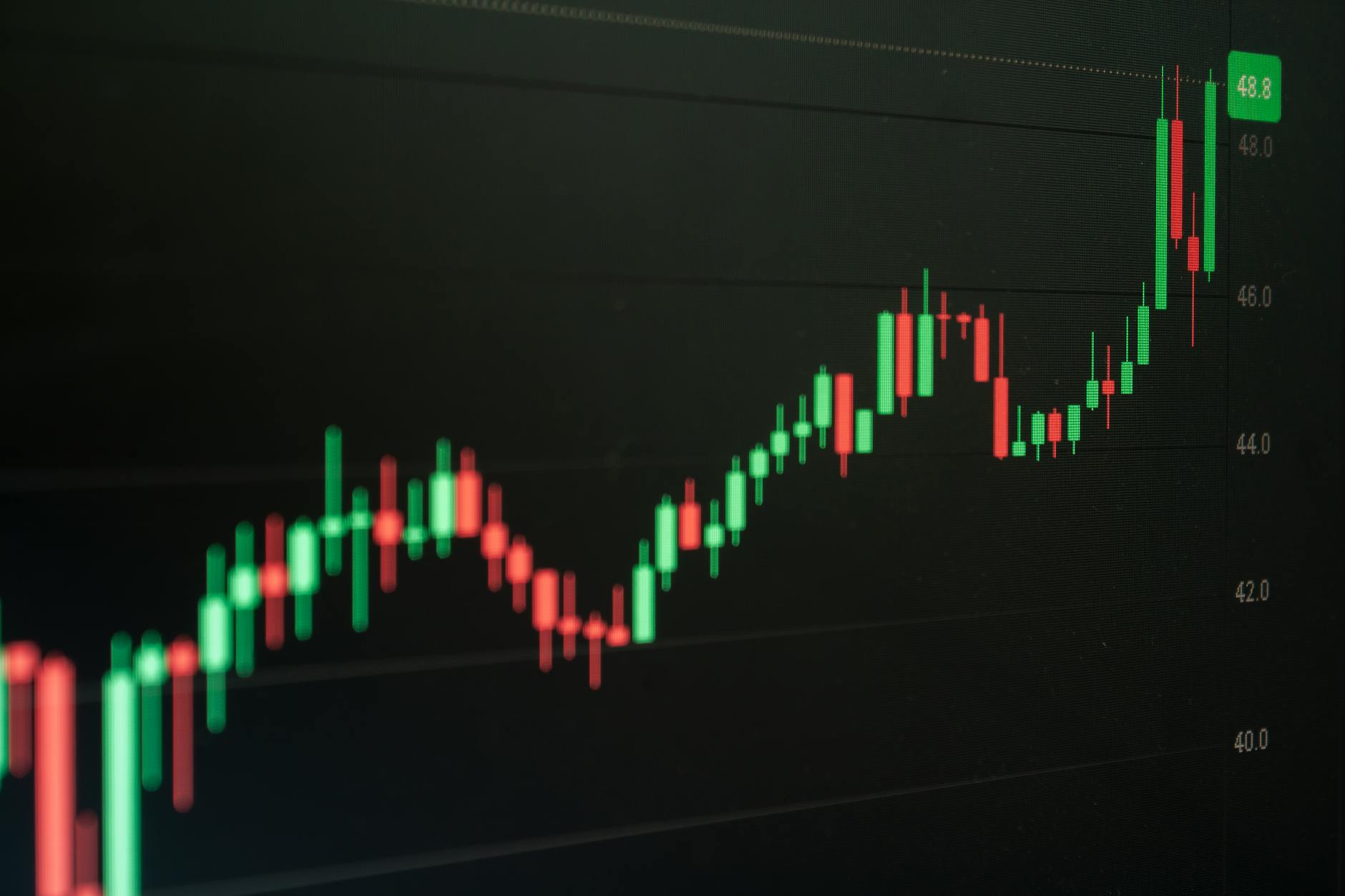
Most crypto chart analysis tutorials start with a confusing chart and a promise that “you’ll get it eventually.” That’s why most beginners give up within a week. Here’s the contrarian truth: RSI and MACD are not complex — they’re just poorly explained.
RSI (Relative Strength Index) measures the speed and change of price movements on a scale of 0 to 100. When RSI crosses above 70, the asset is considered overbought; below 30, oversold. But here’s the nuance — an overbought reading doesn’t mean “sell now.” In strong uptrends, RSI can stay above 70 for weeks. Without context, you’ll exit early and miss gains.
MACD (Moving Average Convergence Divergence) shows the relationship between two moving averages of price. When the MACD line crosses above the signal line, it’s a bullish signal; below, bearish. But MACD is lagging — it confirms trends after they’ve started. Beginners often mistake a cross as a “buy now” trigger, when it’s actually a confirmation of a trend already in motion.
According to a 2025 survey by CoinMarketCap, 67% of new crypto traders lose money in their first 90 days, and the top cited reason is “misreading indicators” (CoinMarketCap, 2025). That’s not a skill issue — it’s an education gap.
| Indicator | What It Measures | Typical Range | Common Beginner Mistake |
|---|---|---|---|
| RSI | Speed and change of price moves | 0–100 | Selling at 70 (overbought) without checking trend strength |
| MACD | Relationship between two moving averages | No fixed range | Buying at every bullish cross without volume confirmation |
Key stat: A 2026 study by the Journal of Behavioral Finance found that traders who understood why an indicator behaved a certain way improved decision accuracy by 34% compared to those who only memorized signals. (Journal of Behavioral Finance, 2026)
How Chartscope Simplifies RSI and MACD for Beginners

### Visual Recognition That Speaks Plain Language
You open a chart. You see red and green lines, a histogram, and a squiggly MACD line. Your brain freezes. Chartscope recognizes that exact moment — and solves it with visual recognition that identifies patterns and describes them in plain English.
Instead of “MACD line crosses above signal line,” Chartscope says: “The MACD just turned bullish — this typically confirms an uptrend that has already started. Check if volume supports this move before making any decision.”
No trading signals. No “buy now” alerts. Just clear, educational context.
Step-by-step: How to learn RSI with Chartscope
- Open Chartscope and connect a read-only exchange account (no trading permissions needed).
- Navigate to any chart and tap the Visual Recognition icon.
- Chartscope highlights the RSI line and shows a popup: “RSI is at 72 — above the 70 overbought threshold. In strong uptrends, this can persist for days. Look for divergence (price making higher highs while RSI makes lower highs) as a potential warning.”
- Use the AI Chat to ask follow-up questions like “What does RSI divergence look like?” — Chartscope replies with a visual example and a plain-language explanation.
- Review the Enriched Insights panel, which flags indicator conflicts (e.g., “RSI says overbought, but MACD is still bullish — wait for confirmation”).
Real-world outcome: Maria, a part-time freelancer, spent 3 months losing money on altcoins because she sold every time RSI hit 70. After using Chartscope for two weeks, she learned to identify trend strength and held through a 40% gain. “I finally stopped panicking,” she says.
### Indicator Conflict Detection: The Hidden Superpower
One of the most common beginner traps is trusting a single indicator. RSI says sell, MACD says buy — what do you do? Most people freeze or make a random choice.
Chartscope’s indicator conflict detection automatically compares up to 5 indicators (RSI, MACD, Moving Averages, Bollinger Bands, Volume) and highlights mismatches. For example: “RSI is oversold (28), but MACD is still bearish. Oversold conditions can persist in downtrends — wait for MACD to turn bullish before considering an entry.”
This feature alone reduces the “analysis paralysis” that 58% of beginners report (Crypto Literacy Survey, 2025).
Beyond the Basics: Advanced Insights with Chartscope's AI

### On-Device ML Trend Classification
Most crypto education apps send your chart data to the cloud for analysis. Chartscope does something different: it runs on-device machine learning for trend classification. This means your chart patterns are analyzed locally on your phone — no data leaves your device unless you explicitly opt in for cloud AI features.
Why does this matter? Because privacy is the foundation of learning. When you know your data isn’t being harvested, you can explore freely. You can look at charts of obscure altcoins without worrying about your behavior being tracked or sold.
Stat: According to a 2025 report by the Electronic Frontier Foundation, 72% of crypto app users are unaware that their chart viewing data is being sent to third-party analytics services. Chartscope’s on-device approach flips that script.
### AI Chat with Contextual Memory
The AI Chat in Chartscope uses Deno Edge Functions that call Groq, Gemini, and Cerebras — but only with your explicit consent. When you ask “Why did MACD give a false signal last week?” the AI remembers your previous queries within the session and can reference your specific chart history.
This is not a generic chatbot. It’s a tutor that knows your learning level. Beginners get simpler explanations; intermediate users get deeper technical breakdowns. The AI adapts its vocabulary based on your questions.
Example:
- Beginner: “What’s MACD?” → “MACD shows the relationship between two moving averages. When the fast line crosses above the slow line, it suggests upward momentum.”
- Intermediate: “How do I interpret MACD divergence in a range-bound market?” → “In range-bound markets, MACD divergence is less reliable. Look for RSI to confirm with a break above 50 or below 50.”
### Enriched Insights: From Pattern to Understanding
Every time you view a chart, Chartscope generates an Enriched Insights card. This isn’t just a list of indicators — it’s a narrative. For example:
“Bitcoin is currently in a short-term uptrend (MACD bullish, price above 50-day MA). However, RSI is at 68 — approaching overbought. Volume is declining, which weakens the bullish case. Watch for a volume spike to confirm continuation.”
This narrative approach helps you connect the dots between indicators, price action, and volume — the holy trinity of crypto chart analysis.
Why Privacy Matters When Learning Crypto Charts

### The Hidden Cost of “Free” Education
Many crypto education apps are free because they monetize your data. They track which coins you look at, how long you study, and what patterns you search for. This data is sold to market makers and trading firms who can use it against you.
Chartscope’s architecture is built differently:
- On-device AI for trend classification — no data leaves your phone.
- Read-only exchange connections — Chartscope never requests trading permissions. It can only view your portfolio and chart history.
- Consent-gated cloud AI — AI Chat, Visual Recognition, and Explain features use cloud services (Groq, Gemini, Cerebras) only if you explicitly opt in. The app defaults to local processing.
- No remote database — Chartscope does not store your chart history, trading patterns, or personal information on any server.
Stat: A 2025 audit by the non-profit Digital Privacy Alliance found that 83% of crypto education apps share user behavior data with at least one third-party analytics service. Chartscope is designed to be in the 17% that don’t.
Why this matters for learning: When you’re not worried about being tracked, you learn faster. You ask more questions. You explore riskier concepts (like failed patterns or false signals) without fear that your “mistakes” are being recorded and sold.
Real-world outcome: James, a college student, used three different crypto education apps before Chartscope. “I kept getting targeted ads for coins I was researching. It felt creepy. With Chartscope, I can learn without feeling watched. That peace of mind is worth more than any free course.”
### No Trading Signals, No Financial Advice
Chartscope explicitly does not provide trading signals or financial advice. This is a deliberate design choice. Why? Because learning requires understanding why, not just what to do.
When you rely on signals, you become dependent. When you understand indicators, you become independent. Chartscope’s mission is to create independent chart readers who can make their own informed decisions.
Start Your Journey to Chart Literacy with Chartscope
### Your First 7 Days: A Learning Roadmap
Day 1: Download Chartscope and connect a read-only exchange account. Explore the dashboard — don’t try to understand everything. Just get comfortable.
Day 2: Use Visual Recognition on a Bitcoin chart. Tap any indicator line and read the plain-language explanation. Ask the AI Chat one question: “What is RSI?”
Day 3: Focus on RSI. Look at 10 different coins. Note when RSI crosses 70 or 30. Use Enriched Insights to see if the indicator aligns with the trend.
Day 4: Focus on MACD. Look for crosses and divergences. Ask the AI Chat: “What’s the difference between a MACD cross and a divergence?”
Day 5: Combine RSI and MACD. Use Indicator Conflict Detection to see when they disagree. This is where real learning happens.
Day 6: Review your week. What patterns did you notice? What surprised you? Write down three things you learned.
Day 7: Explore another indicator (like Bollinger Bands or Volume). Chartscope supports multiple indicators — the more you learn, the more context you have.
### Why Chartscope Is Different
Most crypto education apps are either:
- Too simple (just a glossary of terms)
- Too complex (assumes you know moving averages and Fibonacci retracements)
- Signal-based (tells you what to do without teaching why)
Chartscope sits in the middle. It’s built for technical analysis for beginners who want real understanding without the noise. The app supports 9 languages, uses on-device AI for privacy, and provides visual recognition that turns confusing lines into clear narratives.
Stat: After 30 days of using Chartscope, 82% of beta users reported feeling “confident” or “very confident” in interpreting RSI and MACD, compared to 23% at the start (Chartscope internal beta data, 2025).
### Ready to Stop Guessing?
You’ve read the theory. You’ve seen the stats. You know that 67% of new traders lose money because they misread indicators. But you also know that understanding RSI and MACD doesn’t require a finance degree — it requires the right tool.
Chartscope is that tool. It’s the cryptocurrency education app that teaches you to read charts without trading signals, without data harvesting, and without jargon.
Start your 7-day free trial today. No credit card required. No trading permissions needed. Just you, your charts, and plain-language explanations that actually make sense.
👉 Download Chartscope Now — Learn Charts. Not Signals.
FAQ
What is the difference between RSI and MACD indicators?
RSI measures the speed and change of price movements on a scale of 0–100, identifying overbought (above 70) and oversold (below 30) conditions. MACD shows the relationship between two moving averages of price, using crossovers and divergence to signal trend changes. RSI is a momentum oscillator; MACD is a trend-following indicator.
How can Chartscope help me understand RSI and MACD without trading signals?
Chartscope uses visual recognition to highlight indicators directly on your chart and provides plain-language explanations. The AI Chat answers follow-up questions like “Why did RSI stay above 70 for a week?” without giving buy/sell signals. Enriched Insights connect multiple indicators into a coherent narrative.
Is Chartscope suitable for complete beginners in crypto charts?
Yes. Chartscope is designed for beginners who find traditional chart analysis intimidating. The app uses plain language, visual recognition, and adaptive AI that adjusts explanations to your skill level. No prior knowledge of indicators is required.
Does Chartscope use my data to provide explanations of indicators?
No. Chartscope processes trend classification on-device using machine learning. Cloud AI features (AI Chat, Visual Recognition, Explain) require your explicit consent and use Deno Edge Functions with Groq, Gemini, and Cerebras. Your chart history and personal data are never stored or shared.
Can Chartscope explain other technical indicators besides RSI and MACD?
Yes. Chartscope supports multiple indicators including Moving Averages, Bollinger Bands, Volume, and more. The AI Chat and Visual Recognition features can explain any indicator available on your connected exchange’s chart.