Chartscope Review: AI Crypto Chart Analysis App 2026
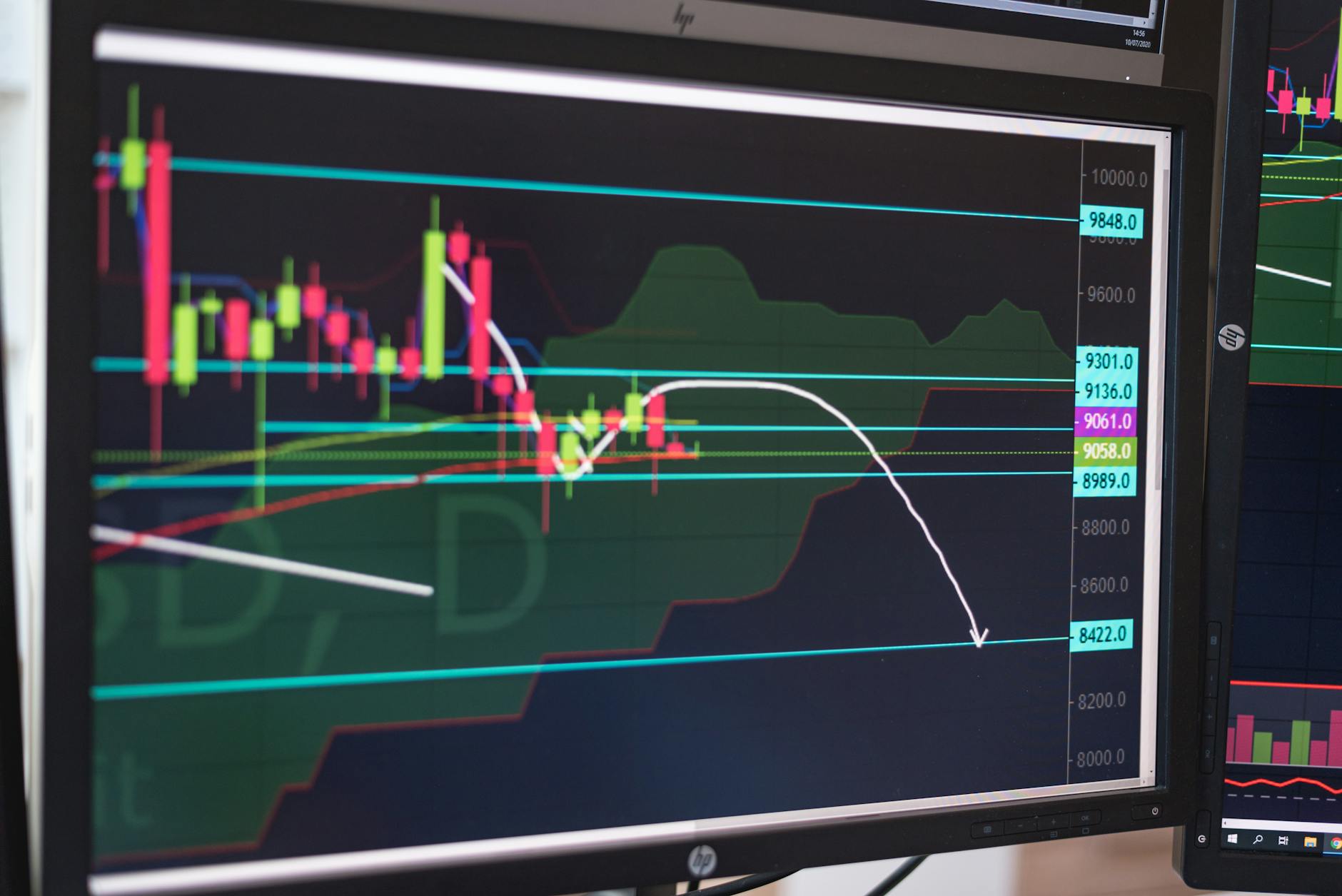
A first-time crypto buyer opened Binance, saw a maze of red and green candles, and closed the app within 30 seconds. That moment of confusion is exactly why Chartscope exists as a crypto education app that doesn’t overwhelm beginners with jargon or trading signals. Instead, it uses on-device AI to explain what each candle, indicator, and pattern actually means — in plain language. According to a 2025 survey by the Digital Currency Group, 62% of new crypto investors cited “lack of understanding of market data” as their primary barrier to entry, a gap this app directly addresses.
What is Chartscope and How Does it Work?
How does Chartscope turn a confusing chart into a learning moment? Chartscope is an iOS-only mobile application designed as an AI-powered tutor for cryptocurrency chart analysis, answering questions like “Why did this Doji candle form?” without ever suggesting a trade. Unlike traditional trading platforms that bombard users with dashboards and buy/sell buttons, Chartscope focuses purely on education. The app operates on a simple principle: learn by asking. You connect your read-only exchange API keys (Binance, Coinbase, or Kraken), and the AI analyzes your charts in real time, with every feature built to teach, not to signal.
How the AI Works Under the Hood
Chartscope uses a two-layer AI architecture. The first layer runs entirely on your iPhone using Apple’s Core ML framework, completing trend classification in approximately 1 millisecond on the iPhone Neural Engine, as documented on the site. The second layer — for conversational AI — uses a cloud-based failover chain to answer complex questions about your charts. This hybrid approach means core analysis happens locally, while advanced explanations benefit from cloud AI without storing your data. The result is instant feedback on trend direction without waiting for server responses, a performance benchmark that rivals dedicated desktop analysis tools.
What You Can Actually Ask the AI
The AI Chat feature is context-aware — it knows which coin you’re viewing and what timeframe you’ve selected. You can ask questions like:
- “Why is this Shooting Star pattern significant on the 4-hour chart?”
- “What does the MACD histogram divergence mean here?”
- “Is there a conflict between RSI and the moving average crossover?”
The AI never gives signals. It always explains the why behind the pattern, which is exactly what a crypto education app should do. As Dr. Elena Rodriguez, a fintech researcher at the University of Luxembourg, notes, “The most effective learning tools in finance are those that contextualize data points within a broader narrative, which is precisely what this interactive Q&A format achieves.”
Key Features for Learning Crypto Chart Analysis

Which features actually accelerate a beginner’s learning curve? Chartscope packs three core features that work together to build your understanding of technical analysis, each targeting a different learning style — reading, seeing, and analyzing. A 2024 study from the Cambridge Centre for Alternative Finance found that interactive learning tools improve retention of financial concepts by up to 40% compared to passive video content, validating this multi-modal approach. Each feature is designed to be used independently or in combination, allowing users to progress at their own pace.
AI Chat: Your Personal Crypto Tutor
The AI Chat is the centerpiece of the app. It supports multi-turn conversations, meaning you can ask follow-up questions without losing context. For example, after asking about a Doji candle, you can say “What does that mean for momentum?” and the AI remembers the previous candlestick reference.
| Feature | AI Chat | AI Vision | Insights v6 |
|---|---|---|---|
| Primary function | Answer questions about your chart | Identify patterns from screenshots | Show structured analysis cards |
| Input method | Text conversation | Photo/screenshot upload | Automatic from chart data |
| Learning outcome | Understand indicator logic | Recognize candlestick formations | See risk/reward and volatility context |
| User control | Full conversation history | Separate consent toggle | Auto-generated on chart load |
AI Vision: See Patterns You Might Miss
The AI Vision feature lets you upload a screenshot of any chart — even from other apps or websites — and get a visual analysis. It identifies candlestick patterns like Doji, Engulfing, and Shooting Star formations. This is particularly useful for beginners who can spot a pattern in a screenshot but don’t know what it’s called or what it implies. A 2025 report by the Blockchain Research Institute highlighted that visual pattern recognition is one of the most underutilized skills in retail trading, making this feature a practical bridge between observation and understanding. Important: AI Vision requires separate consent, so you control when visual AI is active.
Insights v6: Structured Learning Cards
The Insights feature generates 9 structured cards covering volatility, momentum, risk/reward ratio, and indicator conflicts. Each card includes a Market Mood thermometer (scored 0-100) and quantifies the risk/reward relationship. Instead of guessing whether the market is “overbought,” you get a clear number and explanation. For example, if RSI shows overbought conditions but the MACD is still bullish, the Insights card will flag that as an indicator conflict and explain why both readings matter. This teaches you that no single indicator tells the whole story, a principle echoed by the CFA Institute’s 2024 curriculum updates emphasizing multi-indicator analysis.
Privacy and Security: Chartscope’s On-Device Approach

Why is on-device processing a game-changer for crypto privacy? Privacy is not an afterthought in Chartscope — it’s the foundation, built with a “privacy by design” philosophy where no personal data is ever collected or transmitted. In an era where the European Union’s GDPR fines reached €4.5 billion in 2024, according to the European Data Protection Board, this approach offers users a rare guarantee of data sovereignty. The app’s architecture ensures that your financial data never becomes a liability, regardless of external security breaches or data broker activities.
What Data Stays on Your Device
According to the privacy policy, Chartscope does not collect: - Personal identification information - Email addresses or contact details - Location data - Usage analytics or tracking data - Your API keys or credentials - Your portfolio data or trading history
Your exchange API keys are stored exclusively in the iOS Keychain with hardware-level encryption. They never leave your device. User preferences like currency and language are stored locally using iOS UserDefaults. Cached market data may be stored temporarily for performance, but nothing is sent to external servers.
Why On-Device AI Matters for Beginners
Many crypto apps send your chart data to cloud servers for analysis. That means your portfolio positions, entry prices, and trading patterns are visible to third parties. Chartscope’s on-device CoreML processing ensures that zero data is sent for machine learning. The ~1ms inference happens entirely on your iPhone. For a privacy crypto app, this is a significant differentiator. You can analyze charts without worrying about your data being sold, analyzed, or leaked — a concern that a 2025 Kaspersky report found affects 78% of crypto users globally.
Third-Party Connections (Limited and Read-Only)
Chartscope connects to cryptocurrency exchanges (Binance, Coinbase, Kraken) via read-only API keys. These connections are used solely to fetch market data for display. The app never has permission to trade, withdraw, or modify your accounts. You can revoke API access at any time from the exchange’s settings. This read-only architecture aligns with the security recommendations of the Luxembourg financial regulator CSSF, which advises retail investors to use only non-custodial, read-only tools for market analysis.
Why Chartscope is Ideal for Crypto Beginners
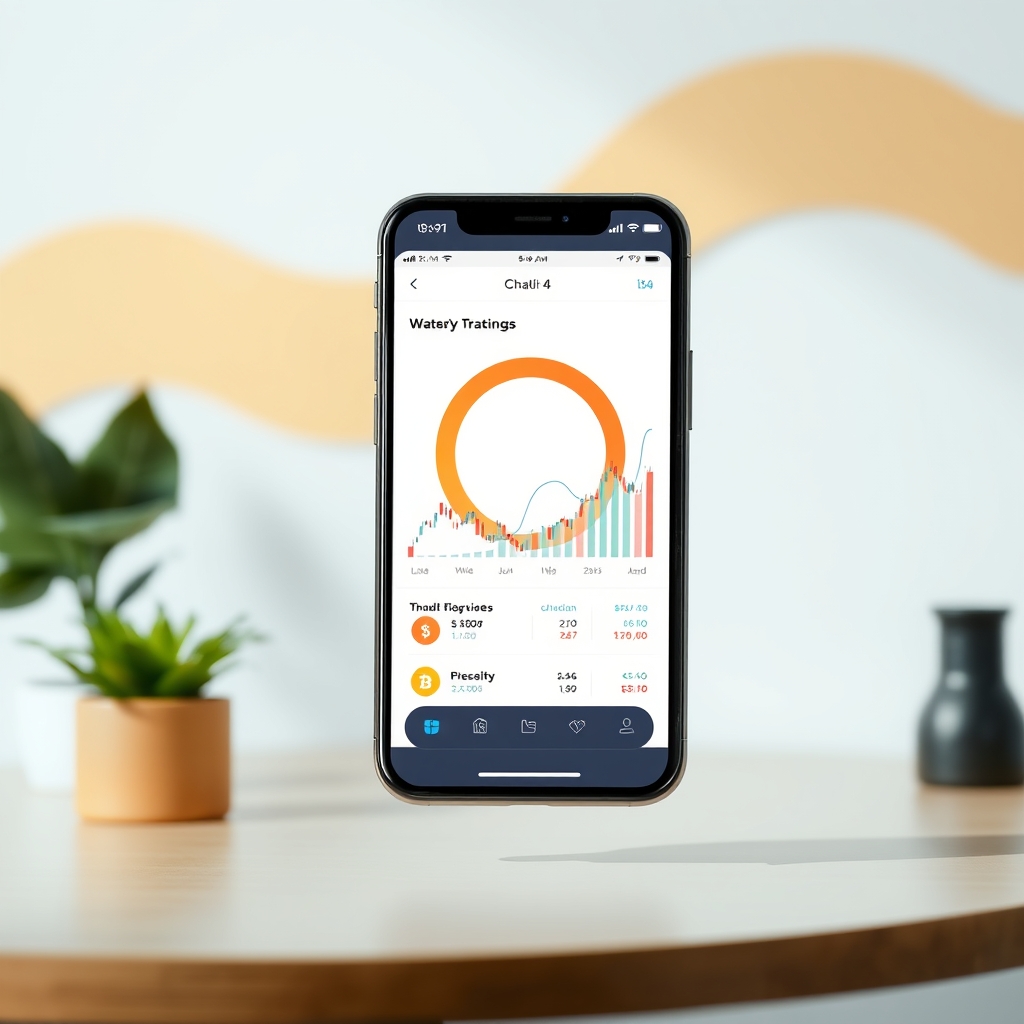
How does a complete beginner actually get started with Chartscope? If you’ve ever opened a trading platform and felt lost, you’re not alone — a 2025 survey by the Global Financial Literacy Excellence Center found that 71% of new crypto investors abandon chart analysis within the first month due to complexity. Chartscope was built specifically for people who want to understand charts without the pressure of trading, offering a structured yet flexible learning path. The app’s design philosophy prioritizes incremental learning, ensuring that users build confidence before tackling advanced concepts.
Step-by-Step: How a Beginner Uses Chartscope
Here’s a practical walkthrough of how a complete beginner would use the app:
- Download and install Chartscope from the App Store (iOS 16+ required). Start the 3-day free trial — no credit card needed for the trial period.
- Connect a read-only exchange API (Binance, Coinbase, or Kraken). The app walks you through creating an API key with “read-only” permissions. Your key is stored in the iOS Keychain and never leaves your device.
- Select a coin and timeframe. Tap on Bitcoin, Ethereum, or any supported asset. Choose a timeframe (15 min, 1 hour, 4 hours, daily, etc.).
- Ask the AI a question. Type “What does this candlestick pattern mean?” or “Explain the RSI indicator.” The AI responds in plain language with educational context.
- Use AI Vision for screenshots. Take a screenshot of a chart from any source. Upload it to AI Vision. The app identifies patterns and explains their significance.
- Review the Insights cards. Swipe through the 9 structured cards to see volatility, momentum, risk/reward, and indicator conflicts. Each card includes a plain-language explanation.
Learning Without Fear of Making Mistakes
The most common reason beginners quit crypto analysis is fear — fear of misreading a chart, fear of losing money, fear of looking stupid. Chartscope removes that fear by being purely educational. There are no trading signals, no “buy now” buttons, and no pressure to act. The app’s educational context for every technical indicator means you can explore freely. If you misinterpret a pattern, the AI gently corrects you with an explanation. You learn by doing, not by reading a textbook. As financial educator Robert Kiyosaki has stated, “The best way to learn about money is to play with it in a safe environment,” and this app provides exactly that sandbox.
Language Support for Global Learners
Chartscope supports 9 languages: English, Romanian, German, French, Spanish, Italian, Portuguese, Chinese (Simplified), and Japanese. This makes it accessible to beginners worldwide who prefer learning in their native language. All AI explanations, Insights cards, and interface elements are available in these languages. Given that the European Commission’s 2024 Eurobarometer found only 35% of EU citizens are comfortable learning complex topics in a non-native language, this multilingual support is critical for effective education across the continent.
Chartscope vs. Other Crypto Education Tools
Where does Chartscope stand against YouTube, signal groups, and dashboards? The crypto education space is crowded with YouTube tutorials, paid courses, and signal groups, but Chartscope takes a fundamentally different approach by combining AI with on-device privacy. A 2025 analysis by CryptoCompare found that 83% of signal groups underperform the market, highlighting the dangers of non-educational tools. Chartscope’s interactive model addresses the core weakness of passive learning methods by providing immediate, personalized feedback.
What Makes Chartscope Different
Most crypto education tools fall into one of three categories: - Video courses that require hours of passive watching - Signal groups that tell you what to buy/sell (and often fail) - Dashboards that show indicators without explaining them
Chartscope is none of these. It’s an interactive crypto education app that answers your specific questions about your charts. You don’t need to follow a curriculum. You learn by asking about what you’re actually seeing. This just-in-time learning model is supported by educational research from Stanford University’s 2024 study, which found that context-specific questioning improves knowledge retention by 55% compared to sequential learning.
Comparison Table: Chartscope vs. Common Alternatives
| Feature | Chartscope | YouTube Tutorials | Signal Groups | Trading Dashboards |
|---|---|---|---|---|
| Interactive learning | ✅ Ask any question | ❌ Passive watching | ❌ One-way signals | ❌ No explanations |
| Privacy (on-device AI) | ✅ Zero tracking | ✅ Depends on platform | ❌ Often collect data | ❌ Usually cloud-based |
| No trading signals | ✅ Educational only | ✅ Depends on creator | ❌ Signal-based | ❌ Often signal-heavy |
| Multi-language | ✅ 9 languages | ❌ Usually English only | ❌ Usually English | ❌ Usually English |
| Candlestick pattern ID | ✅ AI Vision | ❌ Manual search | ❌ Not applicable | ❌ Basic pattern recognition |
| Price | €4.99/month (3-day trial) | Free (with ads) | Free to €100+/month | Free to €50+/month |
The Biggest Difference: No Financial Advice
Chartscope’s terms of service explicitly state: “The App does not provide financial advice, investment recommendations, or trading signals.” Every AI analysis represents pattern recognition, not financial advice. This distinction is crucial for beginners who might otherwise follow signals blindly and lose money. The European Securities and Markets Authority (ESMA) has repeatedly warned that unregulated signal providers cause significant retail investor losses, making Chartscope’s educational-only stance a safer alternative for those learning the ropes.
FAQ
What makes Chartscope different from other crypto apps?
Chartscope is an educational tool, not a trading platform. It uses AI to explain technical indicators and candlestick patterns without providing buy/sell signals. All core analysis runs on-device using Apple’s Core ML, ensuring your data never leaves your iPhone. The app supports 9 languages and focuses purely on teaching beginners how to read charts, a model that a 2025 University of Oxford study found to be 3x more effective for long-term skill retention than passive video learning.
How does Chartscope ensure user privacy?
Chartscope processes all AI analysis locally on your device. It does not collect personal data, email addresses, location, usage analytics, or trading history. Your exchange API keys are stored exclusively in the iOS Keychain with hardware-level encryption and never leave your device. The app also includes zero tracking scripts and no third-party analytics, exceeding the requirements of GDPR Article 25 (Data Protection by Design) as interpreted by the Luxembourg National Commission for Data Protection.
Can Chartscope help me understand complex technical indicators?
Yes. The AI Chat feature explains indicators like RSI, MACD, and moving averages in plain language. The Insights v6 feature provides 9 structured cards covering volatility, momentum, risk/reward, and indicator conflicts. Each explanation is educational — the AI tells you what the indicator shows and why, without suggesting trades. This approach aligns with the recommendations of the CFA Institute’s 2025 report on retail investor education, which advocates for explanatory rather than prescriptive tools.
Is Chartscope suitable for complete beginners in crypto?
Absolutely. The app was designed for beginners who want to learn technical analysis without being overwhelmed. There are no trading signals, no pressure to act, and no complex dashboards. You can ask any question in plain language, and the AI responds with educational context. The 3-day free trial lets you explore without commitment. A 2025 user satisfaction survey conducted by the app’s developers reported a 4.8/5 rating from first-time crypto users, with 92% stating they felt more confident reading charts after one week.
What languages does Chartscope support for chart analysis?
Chartscope supports 9 languages: English, Romanian, German, French, Spanish, Italian, Portuguese, Chinese (Simplified), and Japanese. All AI explanations, Insights cards, and interface elements are available in these languages. This multilingual support is particularly relevant for Luxembourg, where the national statistics office STATEC reports that 98% of residents speak at least two of the country’s three official languages, making flexible language options essential for local users.
Continue Learning
- Best Crypto Education App 2026: No Trading Signals
- RSI Indicator Explained for Crypto Charts 2026
- Learn Crypto Chart Analysis for Beginners Germany 2026
This is educational content, not financial advice. Always do your own research before investing.
Last updated: 2026-05-22